Tôi tốn token - Bạn khỏi tốn
Holmes - CLI Boilerplate
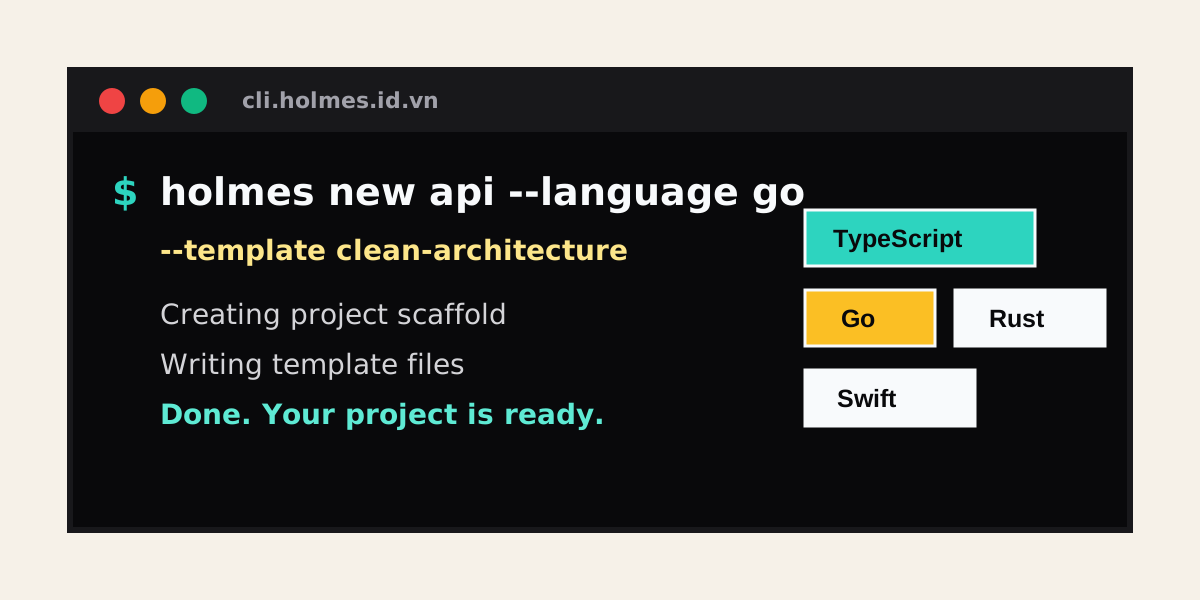
Holmes là CLI dùng để tạo nhanh scaffold dự án theo nhiều ngôn ngữ và kiến trúc khác nhau. CLI có thể chạy theo chế độ hỏi đáp tương tác hoặc truyền đầy đủ option để dùng trong script.
Yêu cầu
- Node.js
>=18 - npm, pnpm, yarn hoặc bun nếu bạn tạo template JavaScript/TypeScript
- Toolchain tương ứng với ngôn ngữ dự án được tạo, ví dụ Go, Rust, Java, .NET, Swift...
Cài đặt
Khi package đã được publish:
npm install -g holmes
Trong repo này, dùng local build:
npm install
npm run build
npm link
Sau đó kiểm tra CLI:
holmes --help
holmes --version
Tạo dự án mới
Chạy interactive mode:
holmes
Hoặc truyền tên dự án trước:
holmes my-app
Nếu thiếu project-name, --language hoặc --template, Holmes sẽ hỏi tiếp các thông tin còn lại:
- Ngôn ngữ
- Template / kiến trúc
- Vị trí tạo project
- Tác giả
- License
- Có tạo test hay không
- Có tạo Dockerfile hay không, nếu template hỗ trợ
- Có tạo GitHub Actions hay không, nếu template hỗ trợ
- Với Swift: dùng SwiftUI hay UIKit
- Với Swift: có dùng storage hay không; nếu có thì chọn SwiftData hoặc Core Data
- Package manager cho JavaScript/TypeScript
Ví dụ nhanh
Tạo Go project cơ bản:
holmes hello-go --language go --template basic
Tạo TypeScript Clean Architecture, dùng pnpm và không tạo test:
holmes api-service \
  --language typescript \
  --template clean-architecture \
  --package-manager pnpm \
  --no-tests
Tạo TypeScript theo MVVM:
holmes desktop-shell --language typescript --template mvvm
Tạo project theo feature-first:
holmes users-service --language go --template feature-first
Tạo project theo layer-first:
holmes billing-core --language java --template layer-first
Xem trước file sẽ được tạo mà không ghi ra disk:
holmes preview-app --language rust --template basic --dry-run
Tạo project vào thư mục chỉ định:
holmes billing --language java --template mvc --output ./services/billing
Ghi đè file đã tồn tại mà không hỏi:
holmes my-app --language go --template basic --force
Tạo Swift project dùng SwiftUI và SwiftData:
holmes ios-notes --language swift --template basic --ui swiftui --storage swiftdata
Tạo Swift project dùng UIKit và Core Data:
holmes ios-tasks --language swift --template mvc --ui uikit --storage coredata
Cú pháp
holmes [options] [project-name]
holmes upgrade [options]
Options tạo project
| Option | Mặc định | Mô tả |
|---|---|---|
project-name | Tên project cần tạo. Chỉ dùng chữ thường, số, dấu ., _, - và phải bắt đầu bằng chữ hoặc số. | |
-l, --language <lang> | Ngôn ngữ lập trình. Ví dụ: go, typescript, javascript, swift. | |
-t, --template <arch> | Template / kiến trúc. Ví dụ: basic, mvc, mvvm, clean-architecture, feature-first, layer-first. | |
--author <name> | "" | Tên tác giả ghi vào template nếu template dùng biến này. |
--license <spdx> | MIT | License của project. |
--no-tests | Không tạo file test scaffold. | |
--docker | false | Tạo Dockerfile nếu template hỗ trợ. |
--github-actions | false | Tạo workflow GitHub Actions nếu template hỗ trợ. |
--ui <framework> | Swift only. Chọn UI framework: swiftui hoặc uikit. | |
--storage <provider> | Swift only. Chọn storage provider: none, swiftdata hoặc coredata. | |
--pm, --package-manager <pm> | npm | Package manager cho JavaScript/TypeScript: npm, pnpm, yarn, bun. |
--dry-run | false | Chỉ preview danh sách file, không ghi file. |
-o, --output <dir> | ./<project-name> | Thư mục output. |
-f, --force | false | Ghi đè file đã tồn tại mà không hỏi xác nhận. |
-v, --version | In version CLI. | |
-h, --help | In hướng dẫn sử dụng. |
Templates đang hỗ trợ
Holmes hiện hỗ trợ 11 ngôn ngữ. Mỗi ngôn ngữ đều có đủ các template basic, mvc, mvvm, clean-architecture, feature-first, layer-first.
Các ngôn ngữ:
csharpdartgojavajavascriptkotlinphppythonrustswifttypescript
Các kiến trúc:
basic: project tối giản để bắt đầu nhanhmvc: cấu trúc Model-View-Controllermvvm: cấu trúc Model-View-ViewModelclean-architecture: tách domain, application, infrastructure, presentationfeature-first: tổ chức theo feature / vertical slicelayer-first: tổ chức theo layer ngang
Clean Architecture layouts
Khi chọn clean-architecture ở interactive mode, Holmes hỏi thêm layout thư mục:
feature-first: mỗi feature tự chứa domain, use case, infrastructure, presentationlayer-first: các layer ngang chứa nhiều feature
Bạn cũng có thể gọi trực tiếp layout cần dùng:
holmes app --language swift --template feature-first
holmes app --language swift --template layer-first
feature-first và layer-first hiện là template render thật cho tất cả ngôn ngữ, không còn phụ thuộc fallback sang clean-architecture.
Swift options
Riêng Swift template có thêm lựa chọn:
- UI framework:
swiftuihoặcuikit - Storage: không dùng storage,
swiftdatahoặccoredata - Khi chọn SwiftUI, Holmes tạo app entrypoint và
ContentView - Khi chọn UIKit, Holmes tạo
AppDelegatevàViewController - Khi chọn SwiftData hoặc Core Data, Holmes tạo file storage tương ứng
Ví dụ:
holmes ios-notes --language swift --template feature-first --ui swiftui --storage swiftdata
holmes ios-admin --language swift --template layer-first --ui uikit --storage coredata
Upgrade CLI
Nâng cấp package global lên bản mới nhất:
holmes upgrade
Chọn package manager:
holmes upgrade --package-manager pnpm
Xem lệnh upgrade mà không chạy:
holmes upgrade --dry-run
Các package manager hỗ trợ cho upgrade:
npm:npm install -g holmes@latestpnpm:pnpm add -g holmes@latestyarn:yarn global add holmes@latestbun:bun add -g holmes@latest
Phát triển trong repo
Cài dependency:
npm install
Chạy CLI bằng source TypeScript:
npm run dev -- my-app --language go --template basic --dry-run
Build:
npm run build
Chạy bản đã build:
npm start -- my-app --language go --template basic --dry-run
Kiểm tra type:
npm run lint
Chạy test:
npm test
Thêm template mới
Template nằm trong thư mục:
templates/<language>/<architecture>/
Mỗi template cần có:
template.json
files/
template.json khai báo metadata, biến đầu vào, danh sách file cần render và hook sau khi tạo project. File trong files/ dùng Handlebars và thường có đuôi .hbs.
Ví dụ target trong template.json:
{
  "source": "src/index.ts.hbs",
  "target": "src/index.ts"
}
Có thể dùng condition để chỉ tạo file khi option bật:
{
  "source": "src/index.test.ts.hbs",
  "target": "src/index.test.ts",
  "condition": "eq includeTests true"
}
Các helper Handlebars có sẵn:
eq,ne,and,or,notuppercase,lowercasecamelCase,pascalCase,snakeCase
Các biến phổ biến trong template:
projectNameauthorlicenselanguagearchitectureincludeTestsincludeDockerincludeGitHubActionsuiFrameworkincludeStoragestorageProviderpackageManageryear
Lưu ý
--dry-runkhông tạo thư mục output.- Nếu file đích đã tồn tại và không dùng
--force, Holmes sẽ hỏi trước khi ghi đè. - Một số option như
--dockerhoặc--github-actionschỉ có hiệu lực khi template có khai báo file tương ứng.